
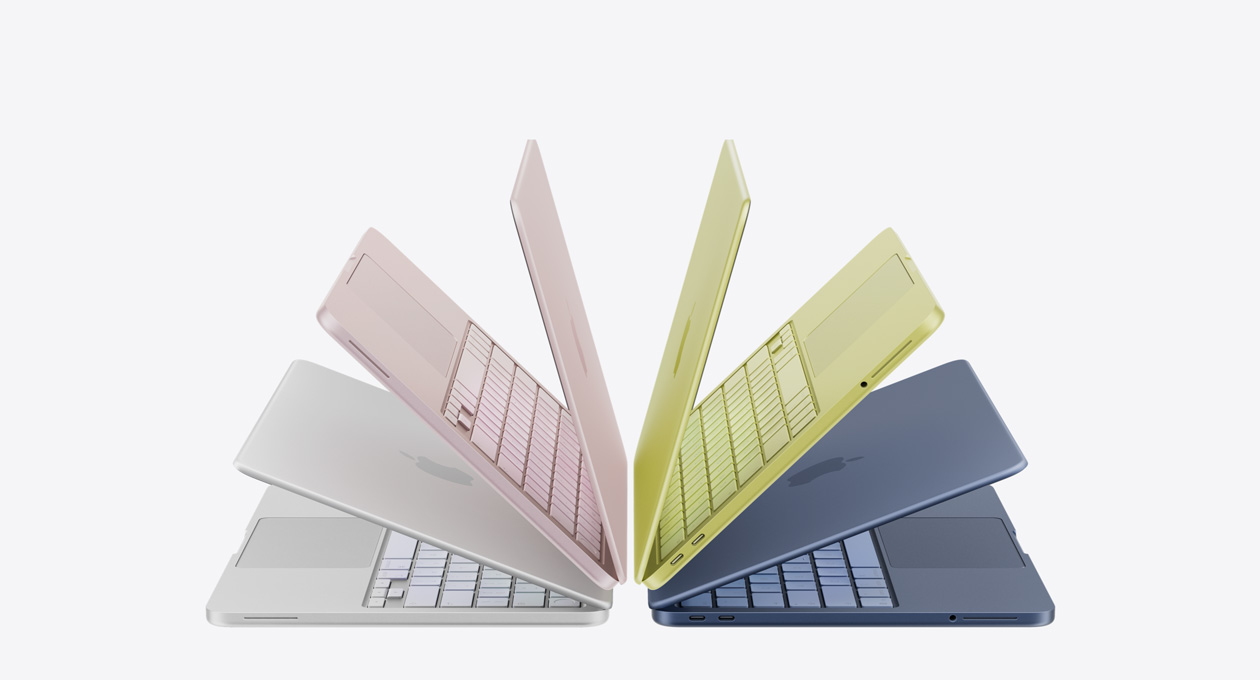
Apple has done something schools have been asking for for years. With the MacBook Neo, they’ve finally released a device that competes directly with Chromebooks on price, starting at just $599 retail and $499 with education pricing, while keeping everything inside the Apple ecosystem. For K12 districts, that’s a big deal.
Schools that have committed to Apple-focused MDM platforms like Jamf or Mosyle have long faced an awkward gap at the bottom of their device lineup. When budget constraints pushed them toward cheaper hardware, the only options were Chromebooks or low-end Windows laptops, devices that lived entirely outside their existing management infrastructure. That meant maintaining separate systems, separate workflows, and separate expertise just to cover the students who didn’t get a MacBook Air or an iPad.
The MacBook Neo changes that equation. Districts can now deploy a capable, affordable laptop that runs macOS, integrates seamlessly with their existing MDM, and keeps every student device under one unified management system. No more juggling Google Admin Console alongside your Apple infrastructure. One ecosystem, one set of policies, one support workflow from top to bottom.
Apple deserves credit for building a device that respects what schools actually need, an accessible price point without abandoning the ecosystem that IT teams have already invested in.
But There’s a Problem Schools Need to Prepare For
As exciting as the MacBook Neo is, it shares a vulnerability that has plagued Apple’s laptop lineup for years, and in a K12 environment, it’s a vulnerability that will cost districts real money if they don’t get ahead of it.
MacBook displays are highly susceptible to damage from even minor debris. The clearance between the screen and the top case is engineered to extremely tight tolerances. When a student closes the lid with a small crumb, a grain of sand, the edge of a sticker, or even a pen cap resting on the keyboard, that tiny object presses directly into the display panel. The result is what Apple calls a “contact point crack”, and it can render the entire screen unusable.
This isn’t a hypothetical risk. It’s the single most common and most expensive repair across Apple’s MacBook lineup. A display replacement can easily run several hundred dollars per device, and when you multiply that across a fleet of hundreds or thousands of units in the hands of students, the costs add up fast.
And here’s the part that catches many schools off guard: this type of damage is almost never covered under Apple’s standard warranty. Apple classifies it as accidental damage, which means the district is on the hook for the full repair cost unless they have additional coverage in place.
What Schools Can Do Right Now
The good news is that screen damage on the MacBook Neo is largely preventable with the right habits and the right accessories. Here are a few steps every school should take before deploying their fleet.
- Teach students the “clear and close” habit. Before closing the lid, students should do a quick visual check to make sure nothing is sitting on the keyboard or palm rest. Make it part of the routine – clear, then close. It takes two seconds and prevents the most common cause of display damage.
- Keep devices away from food and drink. Crumbs are one of the biggest culprits. If students are eating near their devices, even small debris can end up between the keys and eventually find its way under the lid.
- Store and transport devices properly. A well-fitted case or sleeve prevents pressure damage during transport. Tossing a MacBook into a backpack full of textbooks and pencils is a recipe for screen damage.
- Install screen protectors on every device before deployment. A quality screen protector adds a thin but effective layer of defense between the display and whatever debris students inevitably leave behind. It’s the single most cost-effective step a district can take to reduce display repairs across an entire fleet, and it’s a fraction of the cost of even one screen replacement.
We carry screen protectors specifically designed for MacBook models, and outfitting your fleet before devices reach students’ hands is the smartest move you can make.
Protect Your Fleet Before Day One
The MacBook Neo is the right device for schools that want affordable hardware without leaving the Apple ecosystem. But without the right protection in place, display repairs will eat into the savings that made the Neo attractive in the first place.
Protecting your fleet starts with prevention, but it doesn’t end there. Pairing screen protectors with warranty coverage gives your district full protection, helping you avoid costly repairs and keep devices in students’ hands where they belong.
Don’t wait until the repair tickets start piling up. Contact us today and make sure your investment stays intact from the very first day.

Until next time,
Ben Guertin
President of Techcycle Solutions